
Design extension: give your repeat room to breathe
Design extension adds space around your motif and fills it in your design’s own language. You get a larger, looser tile that still repeats seamlessly, with no redrawing and no loss of detail.
- 01
Start from a tile you already have
Any motif works: one you generated here, or artwork you brought with you. The tool treats it as the tile it will re-space.
- 02
Open a gap on the sides you want
Four independent controls: Top, Left, Bottom and Right. Widen one side to shift the balance, or all four to loosen the whole pattern.
- 03
Watch the frame before you spend a credit
A live preview shows your artwork inside the new frame, with the area the AI will fill outlined. Nothing is generated until you are happy with it.
- 04
Generate a bigger tile that still repeats
The AI fills the gaps in keeping with your design. The result tiles edge to edge exactly like the original did, just with more room to breathe.
From tight tile to breathing room, in three steps
Drag the gap sliders to open striped new ground around the tile (the same controls as the app), then compare with the result the model actually painted.
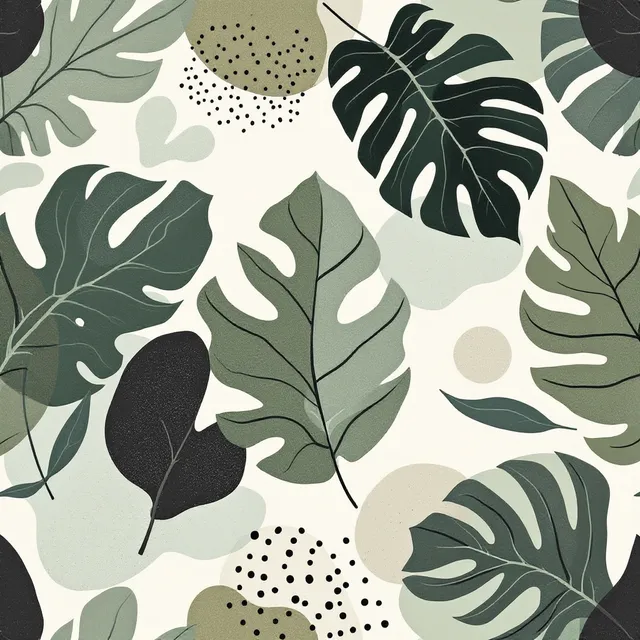
The motifs sit close together.
Drag a slider: the striped border is new ground the model will paint. Same controls as the app.
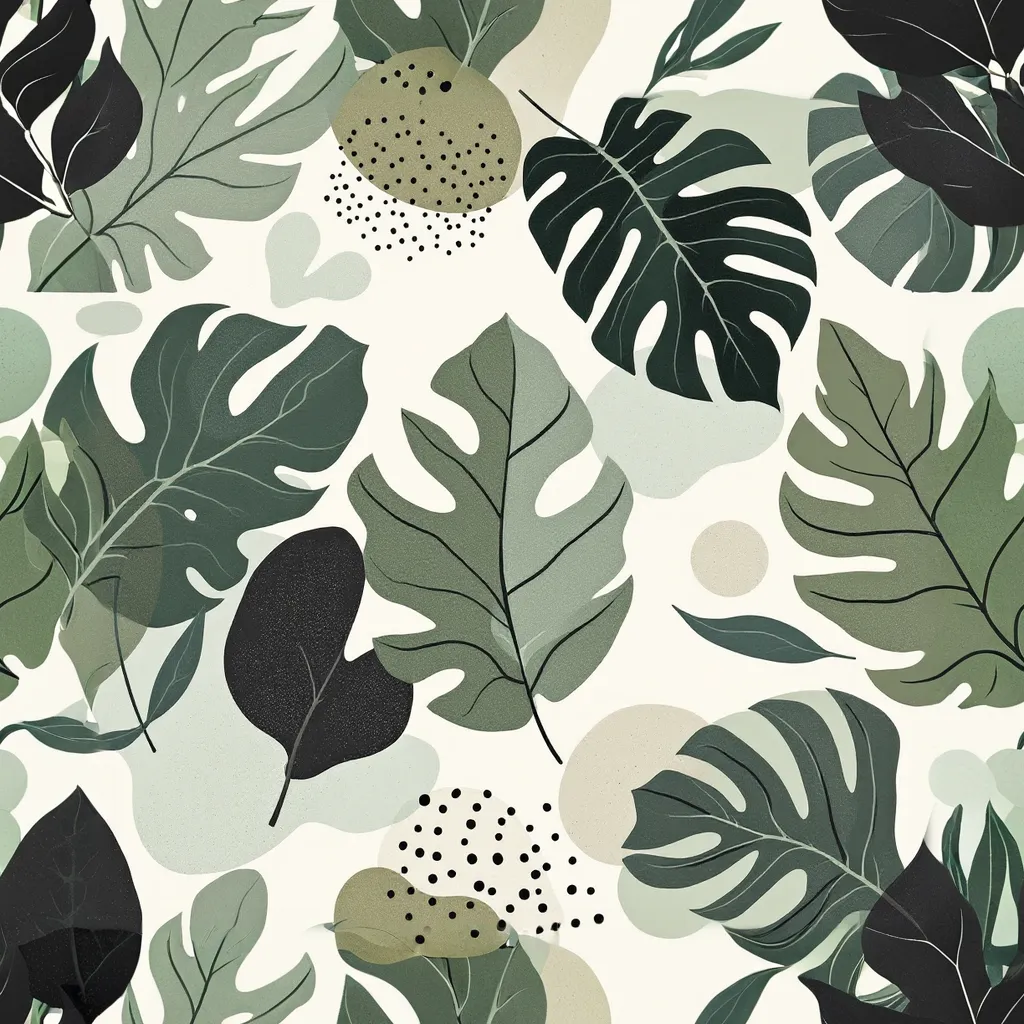
Generated by the seam engine at a gap of 5 a side: same motifs, more air, and it still tiles with no seam.
Spacing is a design decision
Loosen a crowded print
A motif that reads as busy at scale usually needs air, not redrawing. Open all four gaps and let the ground extend.
Change the repeat's scale
More gap means fewer motifs per metre. Re-space the tile instead of re-sizing it and losing detail.
Rebalance an off-centre motif
Gaps move independently, so you can add room on one side only and bring the motif back to centre.
Extended, not just enlarged
This is not a crop or an upscale. The AI extends your artwork into the gap you opened, matching its motif language and colour, and the tile it hands back still joins edge to edge with no visible seam. Every plan includes it, and it costs the same single image as a repeat, up to 300 DPI, print-ready.
Open up a tile you already have
Included on every plan. Same credit as a repeat.